
Freemium
Text-to-video generation model for creating realistic video clips.
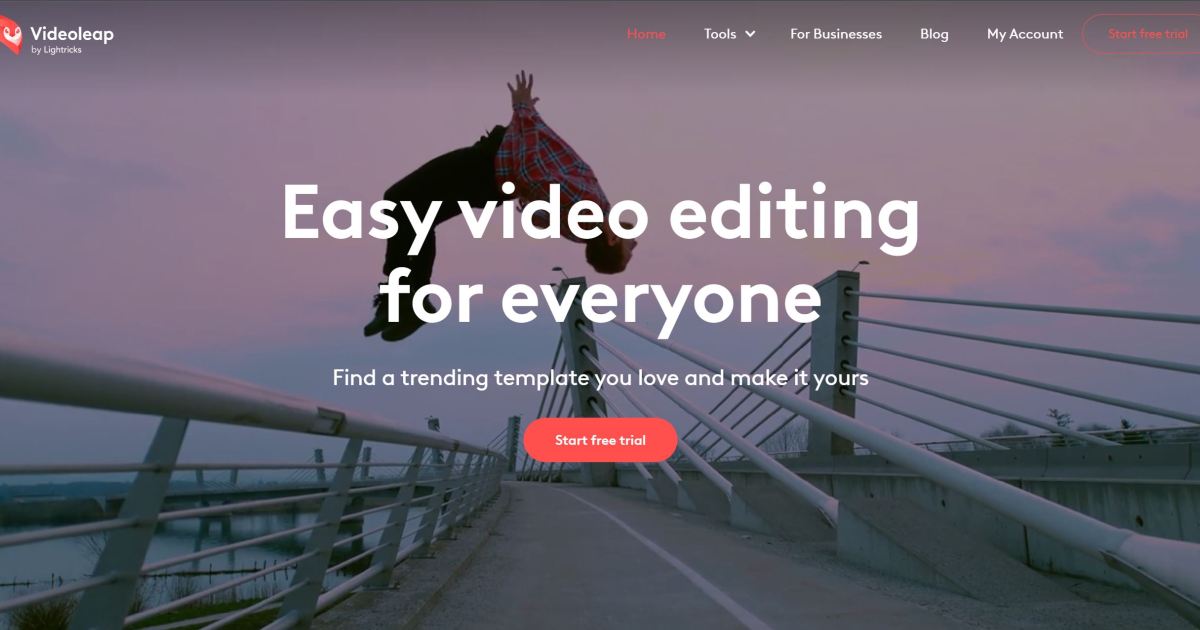
Videoleap by Lightricks is a cutting-edge video editing tool designed to bridge the gap between professional-grade software and user-friendly applications for content creation. With its emphasis on AI-driven features and a comprehensive suite of editing tools, Videoleap stands out as a versatile platform for individuals and professionals alike. Whether you're looking to create social media content, promotional videos, or capture life's special moments, Videoleap equips you with the tools to turn your vision into reality. As someone who has navigated numerous video editing platforms, I found Videoleap's blend of simplicity and advanced capabilities particularly compelling.
Text-to-video generation model for creating realistic video clips.
Revolutionize video editing with AI-driven tools and multi-platform exports.
Enhance video quality with AI upscaling, denoising, stabilization.
Revolutionize digital content with seamless, high-quality AI face swaps.
Turn text into videos, images, and 3D models.
Effortlessly transform faces in photos and videos.
Compare close alternatives to Videoleap and discover the best fit for your workflow.
See all options in Best video editing AI Tools or browse the full AI Tools Directory.