Rev icon
Rev
Visit Tool →

Rev

1100 upvotesPaid🔗 www.rev.com

Transform audio/video to text, enhance global accessibility, quick and accurate.

Visit Tool →
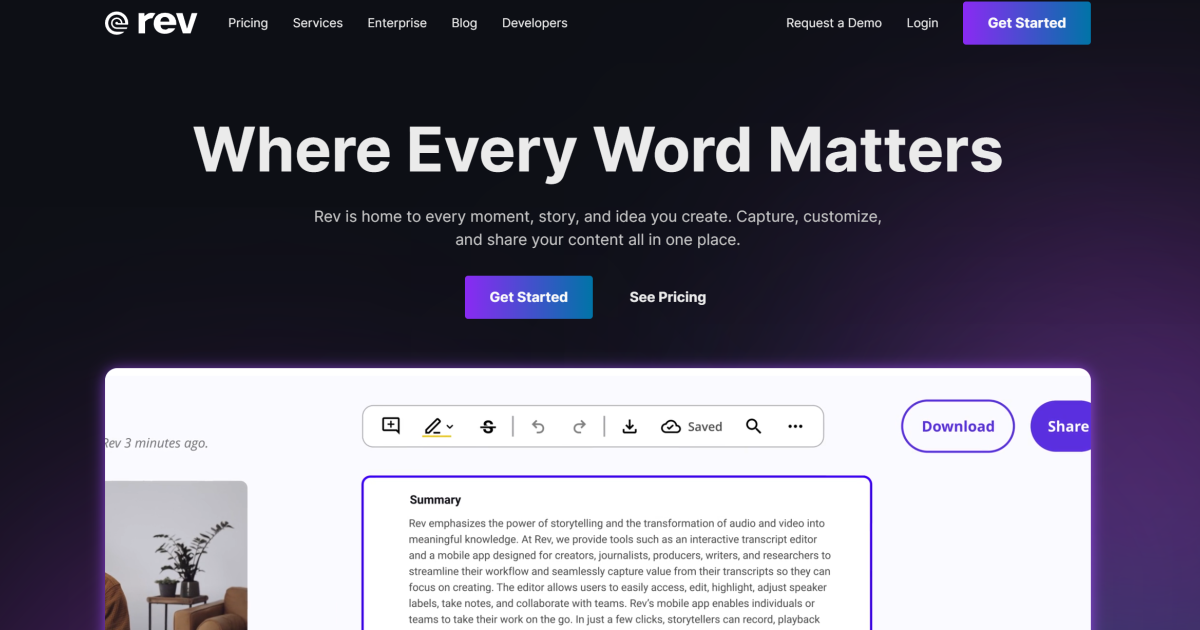
Rev screenshot preview
Category
education
Verification
Community listing
Last updated
Jun 2026

What to know

Key features

  • Automated AI-powered transcription
  • Professional human-verified transcription
  • Closed captioning and subtitling
  • Global translation services
  • Speech-to-text API for enterprise automation
  • Integrated voice capture and recording application

Best for

  • Creating ADA-compliant captions for video content
  • Transcribing legal testimony and court proceedings
  • Converting academic or medical interviews into text
  • Generating searchable transcripts for podcasts

Pros

  • Industry-leading accuracy with human transcription
  • Fast turnaround times for AI drafts
  • Broad support for various audio and video file formats

Cons

  • Human services can be expensive for high-volume projects
  • AI transcription may require manual cleanup for technical jargon

Rev FAQ

What is Rev used for?
Rev is commonly used for Creating ADA-compliant captions for video content, Transcribing legal testimony and court proceedings, Converting academic or medical interviews into text.
Is Rev free?
Rev uses paid pricing.
How do I compare Rev with alternatives?
Review pricing, feature coverage, ratings, and similar tools on this page before visiting the product site.

Similar Tools

6 tools

Master languages with AI: immersive learning, instant feedback, multi-platform.

Contact

AI-driven tool for precise audio separation and extraction.

Transform music tracks: isolate vocals, create instrumentals, AI-powered, batch processing.

Freemium

Royalty-free music tailored to creators’ vision instantly.

Freemium

Revolutionize search with AI: intuitive, efficient, customizable, secure.