NotebookLM

0 upvotesFreemium
Visit Tool ->

Thank you to HeyGen for sponsoring this video! Create your own AI Digital Twin avatar with HeyGen - get 20% off the first 3 months of their Creator or Team plan with code LEAP20: https://bit.ly/4mNCGnj

Master Google NotebookLM with our in-depth course! Enroll now: https://bit.ly/SL-NotebookLM

In this video, I want to show you everything NotebookLM has to offer including creating mindmaps from your own notes, turning your notes into an interactive podcast, and even a video.

00:00:00 What is NotebookLM

00:01:09 Creating a Notebook

With NotebookLM, you can create a notebook for specific topics and add all kinds of sources as notes. You can upload multiple types of sources, from documents and audio files to YouTube videos and websites.

00:02:19 Summarizing Your Documents

NotebookLM can generate instant summaries of one or multiple sources, give key points in different formats, and let you refine results with follow-up prompts

00:03:06 Asking Questions with Chat

The built-in chat uses Google Gemini to answer specific questions about your uploaded sources. You can request outputs in formats like bullet points, numbered lists, or tables

00:04:05

Discover new source

00:04:56 Creating Podcasts (Audio Overviews)

Turn your sources into realistic AI-generated podcasts between two hosts, summarizing your content in a conversational style

00:06:21 Video Overviews

NotebookLM’s Video Overviews transform your uploaded sources into narrated slideshow videos, using AI-generated visuals alongside content like images, diagrams, quotes, and data pulled directly from your materials—be it PDFs, Docs, web pages, or YouTube transcripts.

00:09:45 Interactive Podcast Mode

Listen to your AI podcast and interrupt to ask live follow-up questions — perfect for deeper dives into complex topics

00:10:53 Mind Maps

NotebookLM’s Mind Maps turn your sources into interactive diagrams that visually map out key topics and their connections, making complex information easier to navigate.

00:11:36 Study Guides & Briefing Docs

Generate a complete “briefing doc” summarizing all your sources, or create a “study guide” with quizzes, key terms, and essay questions

00:12:22 FAQs & Timelines

Quickly turn your source material into an FAQ section or a chronological timeline — perfect for historical events, project milestones, or educational content

00:12:52 Creating Notes

You can save AI responses as notes or write your own manual notes, then convert them into new sources for your notebook

00:13:47 Analyzing YouTube Videos

Paste video links to get summaries, key topics, and the ability to chat with the transcript. You can combine multiple videos and other sources in one notebook

00:14:46 Analyzing Websites

Add website URLs to pull in summaries and key topics, then filter or save insights as new sources

00:15:21 Sharing Notebooks

00:15:39 Free plan vs paid plan

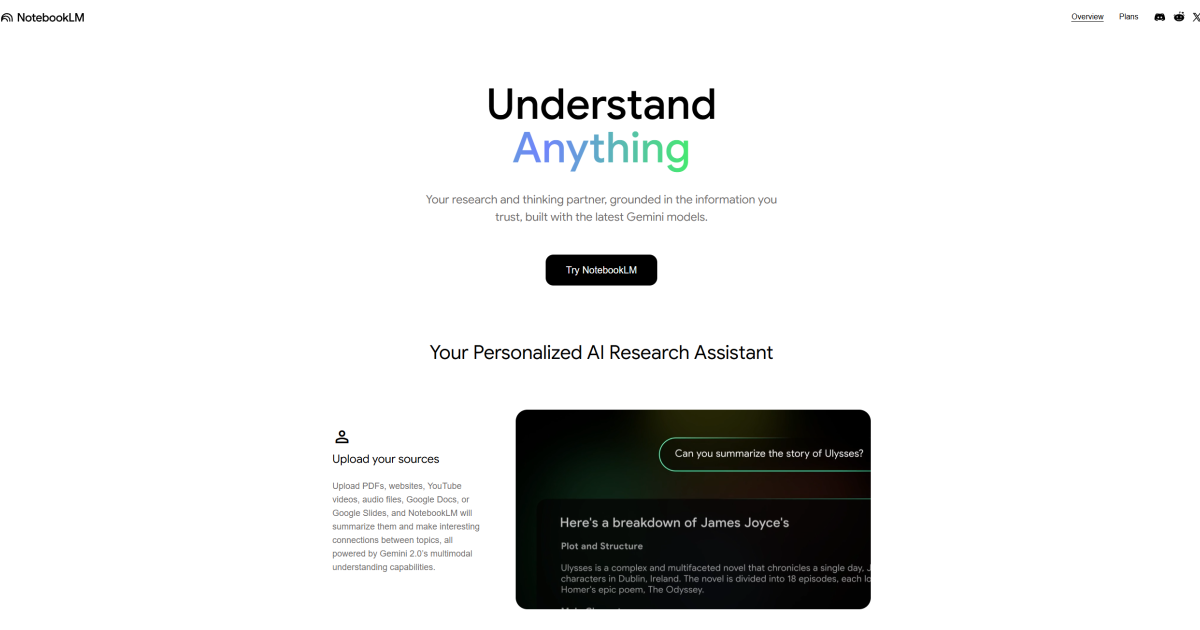
NotebookLM screenshot

Similar Tools

6 tools
Free Trial

Get instant AI-fueled crypto insights and market analysis.

Freemium

Auto-create narrated demo videos from GitHub repos.

Streamline travel planning with AI-generated, customizable itineraries.

Free Trial

Revolutionize networking and job search with AI-driven efficiency and support.